Track planes overhead in real time with the Nearest Plane device. A simple LED display for aviation fans who love what’s in the sky.
If you’re into aviation, you’ll probably recognise this…
Sitting in the garden watching planes.
Hearing one overhead and trying to spot it.
Trying to work out the aircraft type.
Guessing where it’s going.
Seeing if you can tell the airline just from the colours.
If you’ve done any (or all) of that, this is exactly the kind of thing you’ll enjoy
What is the Nearest Plane device?
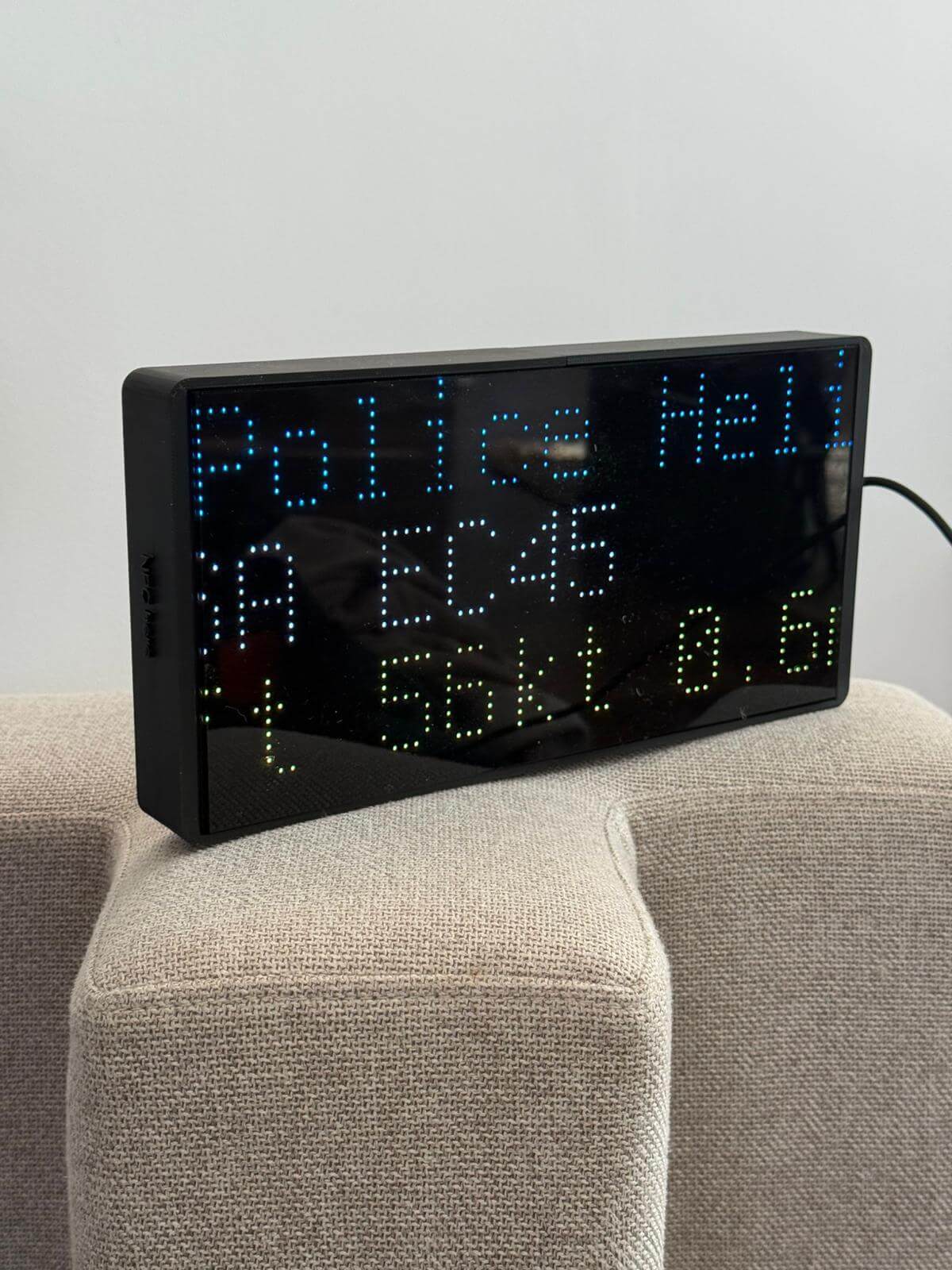
The Nearest Plane device is an LED display that shows real-time information about aircraft flying nearby your location.
It’s designed to just sit there, always on, showing you what’s in the sky around you.
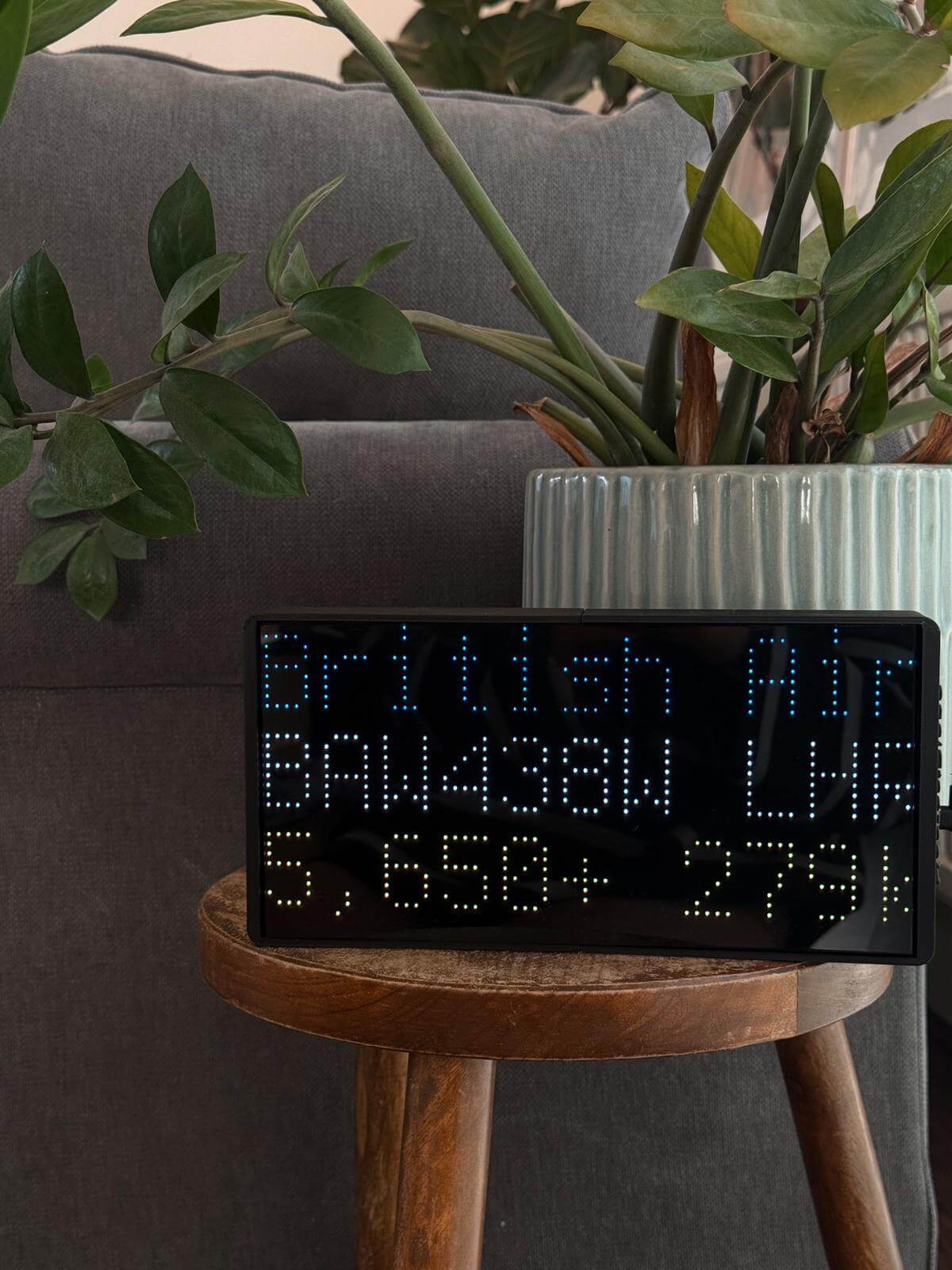
Depending on how you configure it, it can display:
Callsign
Aircraft type
Route
Distance from you
Speed and altitude
Ordering & what’s in the box
Ordering via the website was straight forward, with clear communication and tracking updates throughout.
In the box you get:
The LED display device
A USB-C to USB-A cable (important — this is how you power it)
A QR code linking to the setup guide
Everything is neatly and securely packaged with Nearest Plane branding, which is a nice touch.
Setup – what it actually involves
I found the setup to be quick and straight forward, but it’s worth explaining as it’s a bit different from typical plug-and-play devices.
You:
Power the device using the USB-C to USB-A cable
Connect your mobile phone to the device’s Wi-Fi network
Open a specific URL in your phone browser to access the device settings
Enter:
Your home Wi-Fi details (so the device can connect to your network)
Your location (via coordinates — easy to grab from Google Maps)
The device restarts and connects to your Wi-Fi
After that, you’re up and running.
The instructions were clear, and if you do need help, Harry (the owner) is available directly via WhatsApp, email or phone, which is genuinely useful and quite rare these days.
Day-to-day use – this is where it shines
This is the bit that’s hard to explain until you’ve had it for a few days.
It just becomes part of your environment.
You’ll glance at it when you hear a plane.
You’ll start recognising patterns.
You’ll notice airlines, routes, aircraft types more often.
In our house, it’s turned into a bit of a thing.
My wife and I have actually started quizzing each other on airport IATA codes, trying to guess routes before they scroll across the screen. It sounds daft, but it’s surprisingly addictive.
Family and visitors always notice it too — it’s one of those things people immediately ask about, and then end up standing there watching it.
Features & ongoing updates
You can configure how much information you want to display, which is a nice touch depending on how “deep” you want to go.
It’s also worth mentioning that Harry is actively improving it. Any updates or improvements he makes are pushed remotely, so your device just gets better over time without you needing to do anything.
Again, having that direct line to the person actually building and maintaining it makes a big difference.
Design & placement
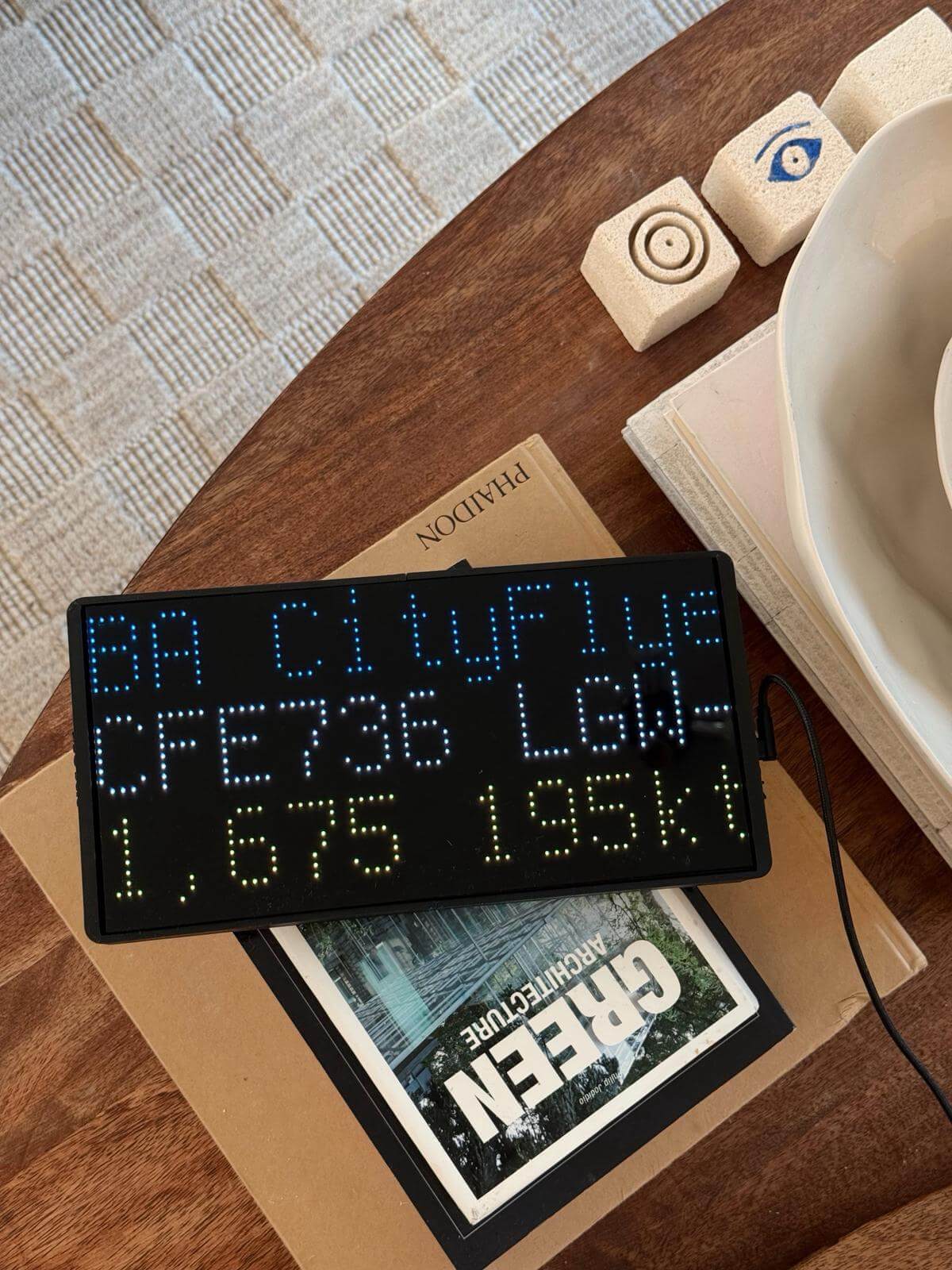
We’ve had the device in a few different places — living room and my office — and it works well in both.
The display is:
Bright enough during the day
Looks particularly good in lower light / evenings
It’s quite a subtle bit of kit visually, but still stands out enough to catch your attention.
There’s also a sleep feature, so you can have it turn off overnight if you want.
Cost
One thing I really like — no subscription fee.
A lot of aviation-related tools and services charge monthly, so it’s refreshing that this is just a one-off purchase.
Support
Worth calling out again — support comes directly from Harry, the person behind Nearest Plane.
If you have any questions or issues, you’re not going through a generic support system — you’re speaking to the person who actually built it.
That makes a big difference, especially for something a bit niche like this.
Taking it a step further
One thing I didn’t expect is how it makes you more curious about flying itself.
You start noticing more:
Different aircraft types
Routes you hadn’t thought about before
Airlines you don’t usually see
It naturally leads to that thought of “I’d quite like to have a go at flying that…”
That’s where something like a flight simulator experience comes in.
If you’ve never tried one, they’re a really good next step — you can actually sit in a full cockpit and fly routes similar to what you’re seeing overhead, with instructor guidance and realistic controls.
It’s quite a nice progression:
Watching planes overhead
Understanding what they are
Then actually getting hands-on and flying one yourself
Final thoughts
As someone who’s spent a lot of time around aviation (and a fair bit of time on flight sims), I’ve tried a lot of ways to track aircraft…
This is one of those products that’s quite simple, but ends up being more engaging than you expect.
It doesn’t try to do everything — it just sits there and shows you what’s flying nearby — but that’s kind of the point.
For me, the biggest thing is how it’s become part of everyday life:
Me and my partner quizzing each other on airport codes
Family and visitors getting interested in what’s overhead
Just generally being more aware of what’s in the sky
If you’re into aviation or know somebody that is, it makes a great gift, a really enjoyable bit of kit to have around!
You can find out more about the device here: nearestplane.com
Sign up for offers and updates
Get exclusive flight simulator deals, updates, new locations, and special offers straight to your inbox.
By subscribing, you agree to receive marketing emails from Flight Sim Experiences. Unsubscribe anytime using the link in our emails. We process your data in accordance with our Privacy Policy.